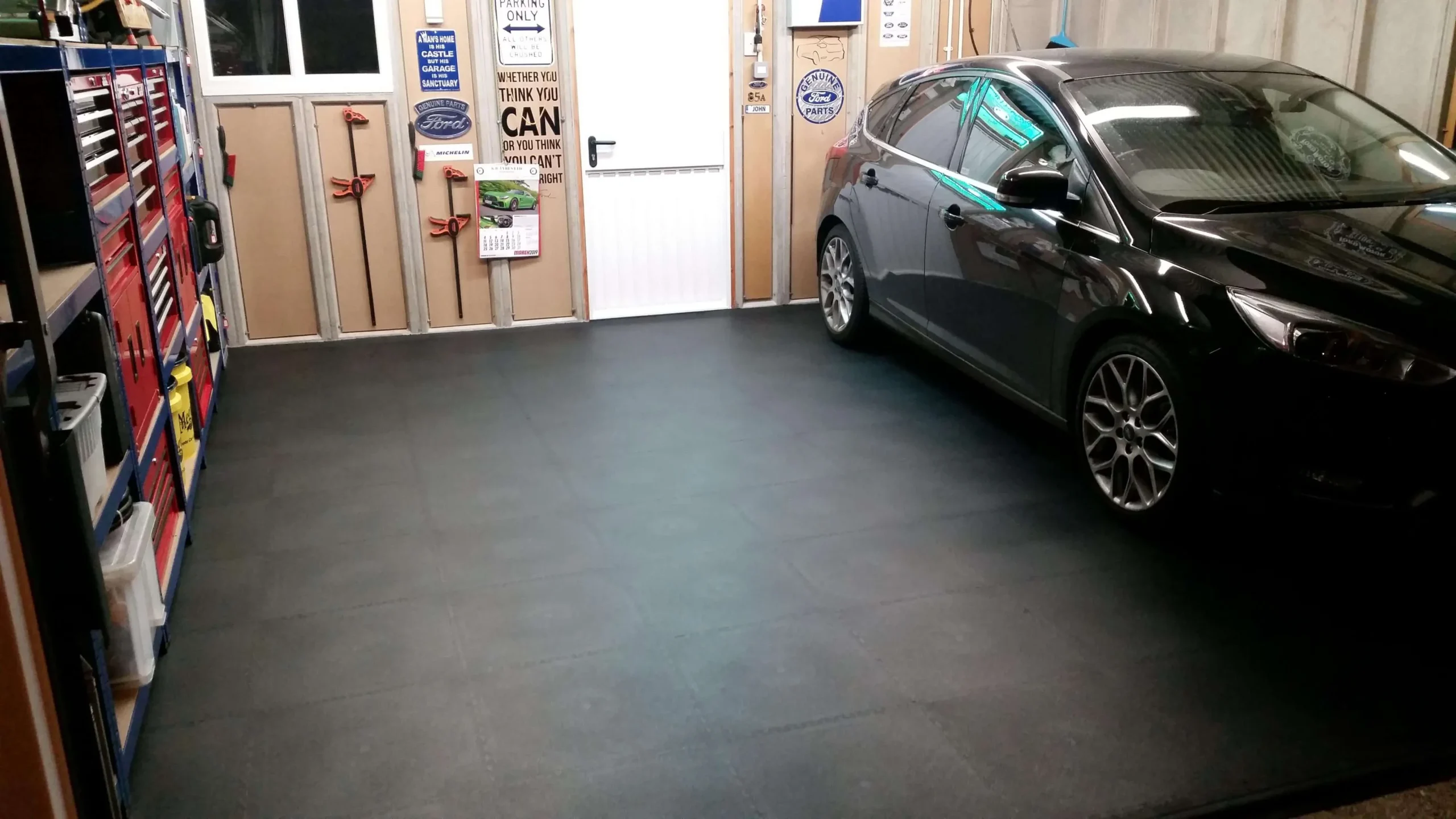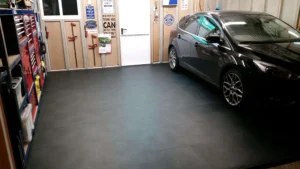
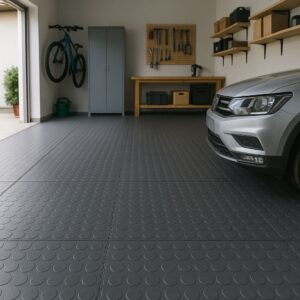
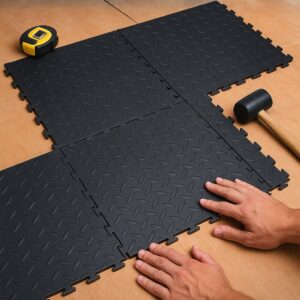

A showroom floor supports how customers move through a space and how products are displayed. Sketch the customer route from the entrance to the main display and payment area.
What to inspect before choosing flooring
Map where display units, furniture, wheels and deliveries will place repeated pressure on the surface. Colour choices can help organise zones, but first confirm that the selected tiles suit the expected use.
How to plan the next step
Review cleaning access, lighting, threshold finishes and any accessibility requirements. Work out quantities from measured areas and request samples where appearance will affect the final decision.
Practical considerations for your project
Use a scaled sketch showing the door, counter, display pieces and walkways. Mark furniture that is moved frequently and places where boxes are unloaded.
Try viewing flooring samples under the showroom’s actual lighting; colours and textures can look different from catalogue photographs.
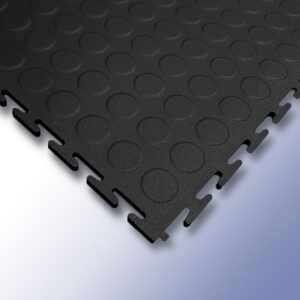
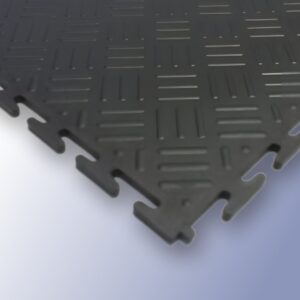
For related advice, read our flooring guide and check the Cape Lock Tiles product range. Confirm product-specific performance and installation requirements before purchasing.
Questions worth asking your flooring supplier
- Is this exact product suitable for my intended use and subfloor?
- What measurements, installation accessories and preparation are needed?
- Are there written care instructions or product-specific limitations?
Browse the Cape Lock Tiles flooring range to compare available options, or contact Cape Lock Tiles with your room measurements and questions. Product suitability should always be checked against the specific flooring selected.